Gå til indhold
  • Gratis levering fra 79 €
  • Hver model tjekkes og rettes, før den printes
  • Hos dig inden for 6 til 10 dage
  • Køb 2, spar 10 %. Køb 3, spar 15 %.
  • 4,8/5 · 626 anmeldelser

Photo guide

Good photos in. A perfect mini you.

Dine billeder går i gang med det samme: de bliver til 3D-forhåndsvisningen af din figur, og intet printes, før du godkender den endelige rendering. Here is exactly what to send, what to skip, and what happens to your photos.

Dine billeder bliver til din 3D-forhåndsvisning

No studio. A recent phone is plenty.

What your photos do

Your photos are not attachments: they are what the preview is made of

Send dine billeder nu: din 3D-forhåndsvisning bygges af dem. Du ser den fra alle vinkler, beder om de ændringer, du vil have, og intet går til printeren før dit ja.

Which is why sharpness matters: a preview can only show what the lens saw. A sharp photo gives a sharp preview, a blurry photo gives a blurry preview.

Én sætning ændrer den

Er forhåndsvisningen ikke helt rigtig? Skriv, hvad der skal ændres: tøjet, posen, en rekvisit. Vi laver den igen.

For example

“Put him in his soccer jersey instead of the shirt, and straighten up the pose.”

What to send

The photos that work
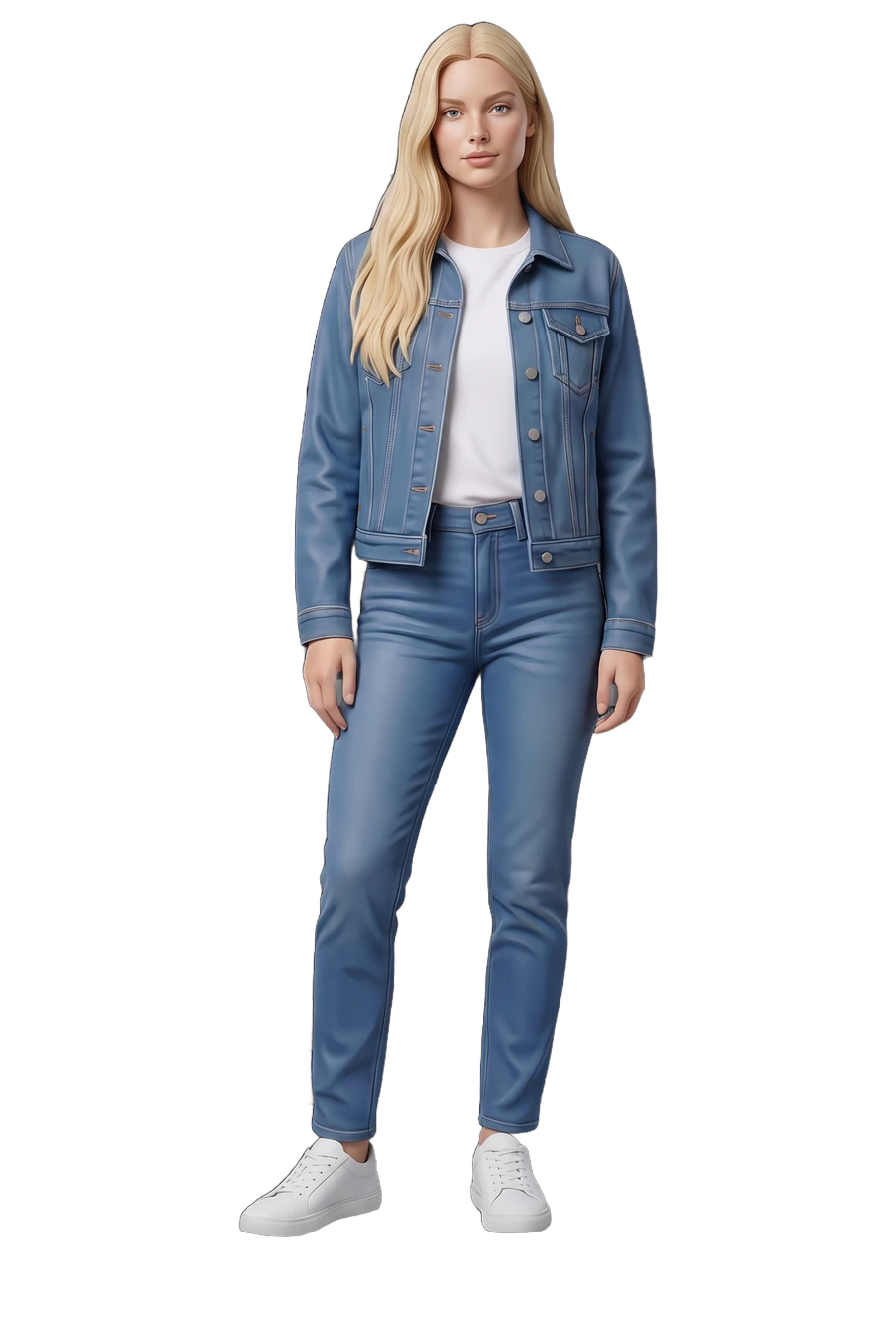
Figurine of a woman, printed from her photos
  • 3 to 6 sharp photos of the face that goes on the figurine

  • At least one straight-on shot and one three-quarter shot

  • Natural light: daytime near a window beats every filter

  • Eyes on the lens in two or three of them

  • Anything you want printed, worn in the photos: glasses, a cap, headphones
What to skip

The photos that make it harder

  • Blurry, dark or heavily cropped photos: your 3D preview inherits all of it

  • Filters and beauty modes: they pull the face away from the real one

  • Sunglasses, unless you want them on the figurine

  • Group shots for a solo figurine: we need one clear face

  • Twenty near-identical selfies: variety helps more than volume

What you are wearing

Photographed in it, printed in it

What the photos show is what comes out, clothes included. Send the sweater, the jersey or the work uniform you want to see on the shelf: that is what carries over, all the way to the object you hold in your hands.

  • What you wear in your photos is what you wear on the base

  • The tools of the trade come along: a stethoscope, a racket, a controller

  • Want armor, a wedding dress or a jersey instead of your own clothes? That is picked as a universe when you configure, not in your photos

  • A detail you care about, the red scarf, the guitar, the pose, goes in the “Anything specific?” field on the Options step

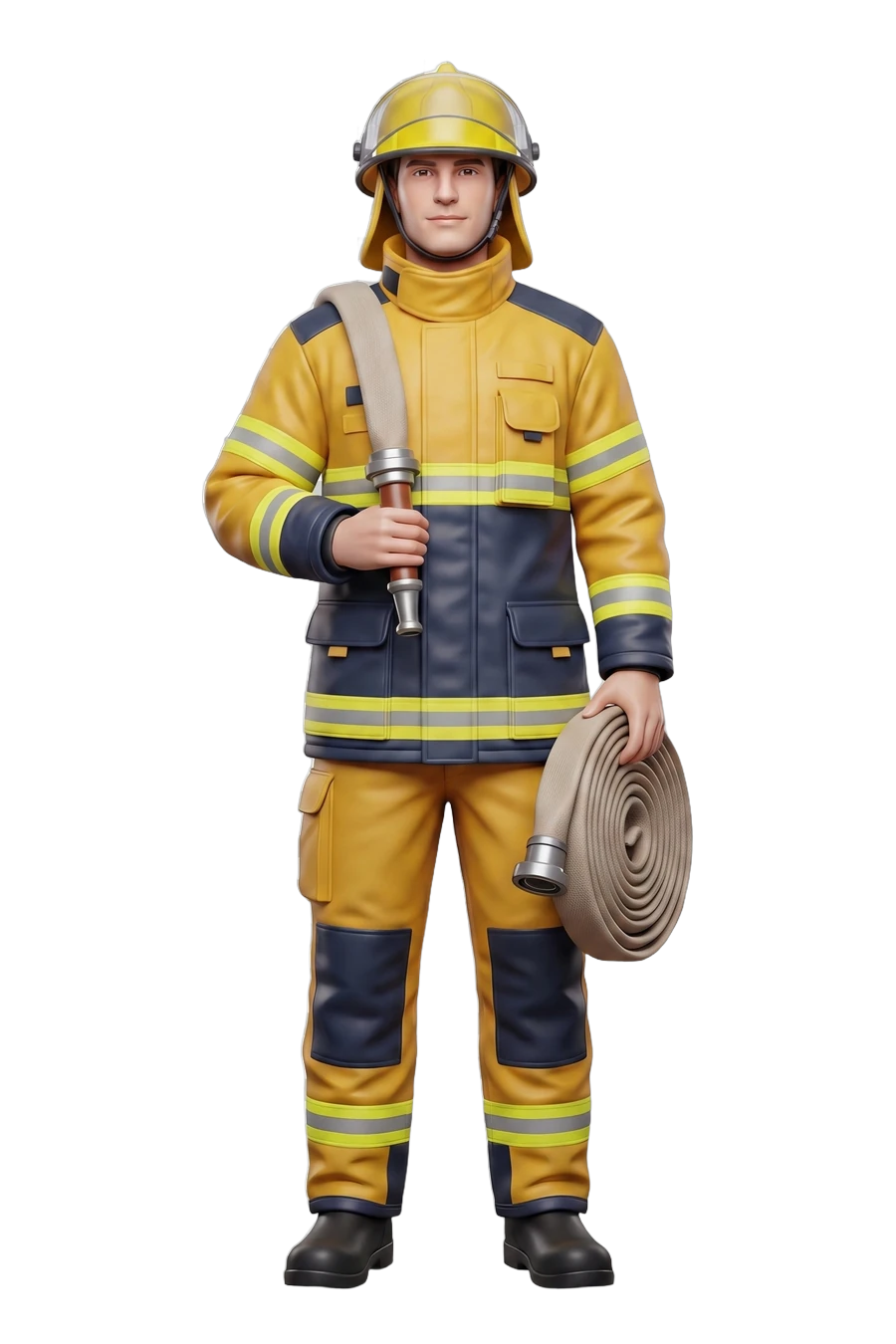
Figurine of a firefighter in turnout gear, hose over the shoulderProfession

The files we take

Straight from your phone is perfect

No minimum-resolution ritual: if you can recognize the face, so can we. Under three photos the likeness starts to slip, past six it adds nothing. The Photos step keeps you inside that window.

  • JPG
  • PNG
  • HEIC

Your photos, your figurine

Your photos are here to make your figurine. That is their whole job.

They are here to make your figurine and nothing else: deleted after production, and never used to train anything.

Read the privacy policy
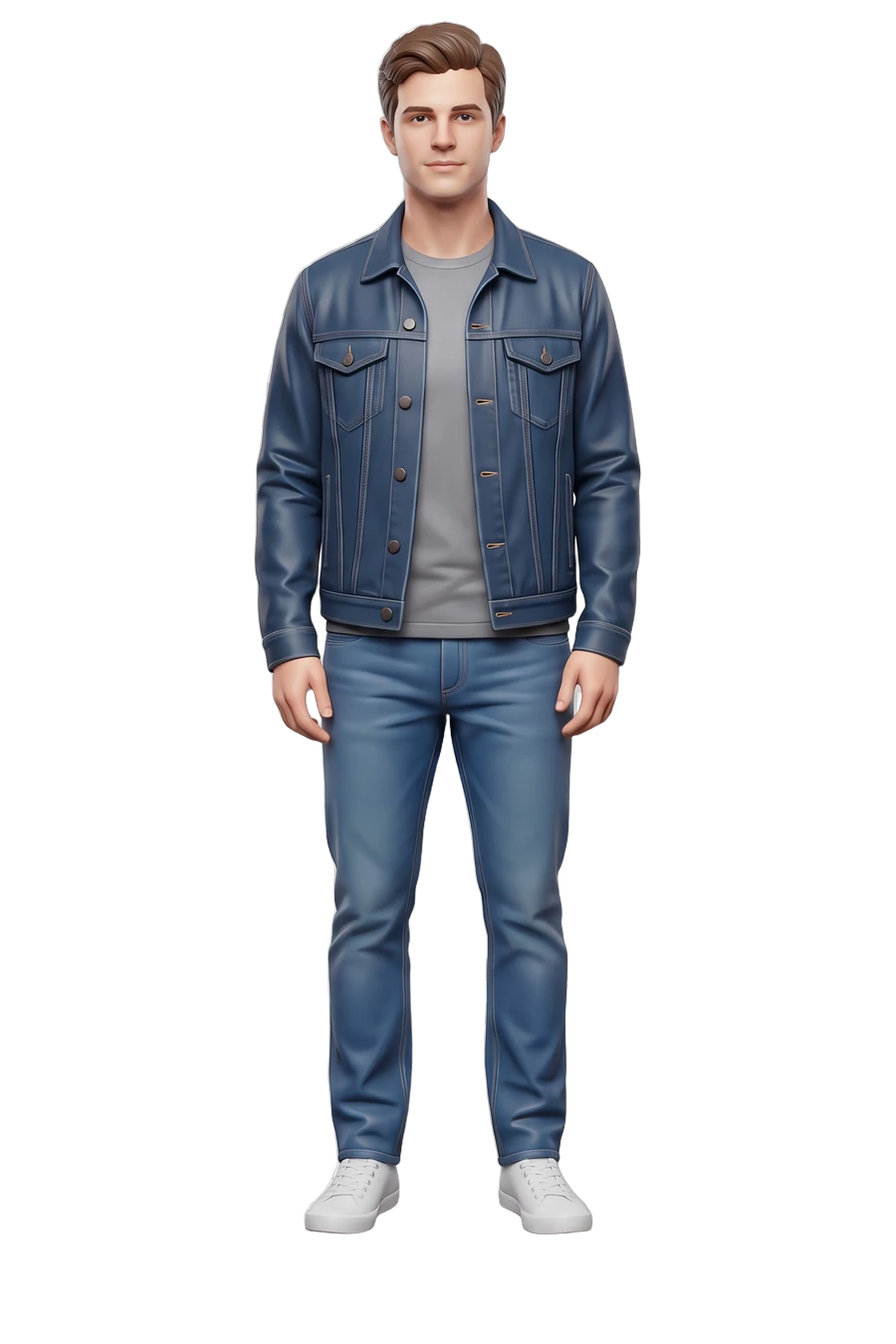
Figurine of a man, printed from his photos

Last step

Camera roll ready?

3 to 6 photos in, a 3D render we have checked and corrected out, and nothing prints until you approve it.

  • 3 to 6 photos are enough, taken on your phone.
  • Én sætning ændrer den.
  • You see the 3D render before anything prints.
Lav min